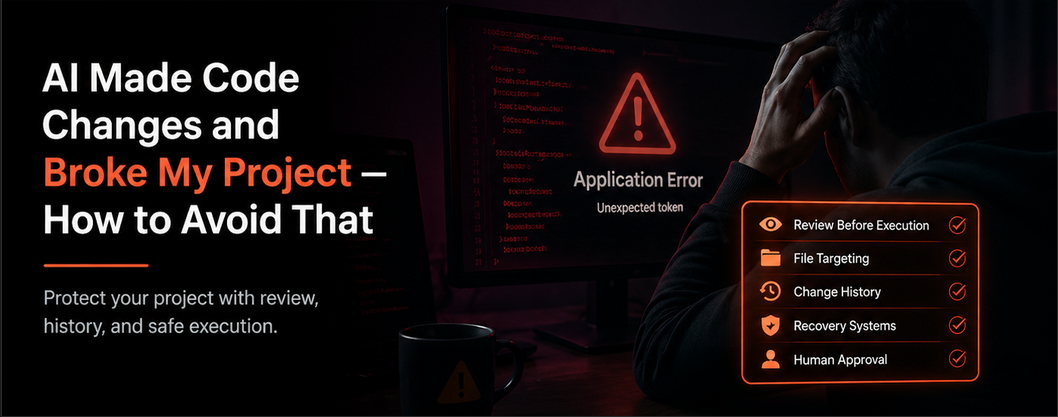
AI Made Code Changes and Broke My Project — How to Avoid That
When AI breaks your project, the problem is usually the workflow.
You ask AI for help. It gives you code. You apply it. Suddenly your app crashes, styling breaks, files disappear, imports fail, or functions stop working.
Now you are spending significant effort fixing something that was supposed to save time — and often, something that was already working.
Why AI breaks projects
AI often lacks full project context. It may rewrite too much, remove existing logic, duplicate components, break dependencies, or update the wrong file.
This is not because AI is useless. It is because execution matters.
The danger of one-click AI coding
Some tools prioritize speed over control. That feels exciting until your project gets damaged.
When this method is used to build complex systems, boundaries between responsibilities can blur. You may end up with two or three competing versions of one system’s state, each following slightly different rules or applying them out of sequence.
Specific boundaries, authorities, limits, and interaction rules matter when modules begin depending on each other. A single giant file can keep AI focused for a while, but as it grows, revisions slow down and indexing issues appear.
Eventually the project needs smaller parts, clearer authorities, and better transfer between them.
What safe AI coding looks like
How Nodarama helps
Recorder tracks changes.
Tape stores proposed and recent file changes.
EQ, your local AI layer, attempts lightweight corrections.
Diagnostics flag deeper issues before they become disasters.
Why beginners should care
You do not need to become a senior engineer. You need a system that protects you while you learn.
AI should accelerate development, not create cleanup work. If AI keeps breaking your projects, your workflow — not your skill — is usually the real problem.